
How to submit a deal on Vegan Deals
Simple 1-2-3 guide to sharing a vegan bargain with the UK community.
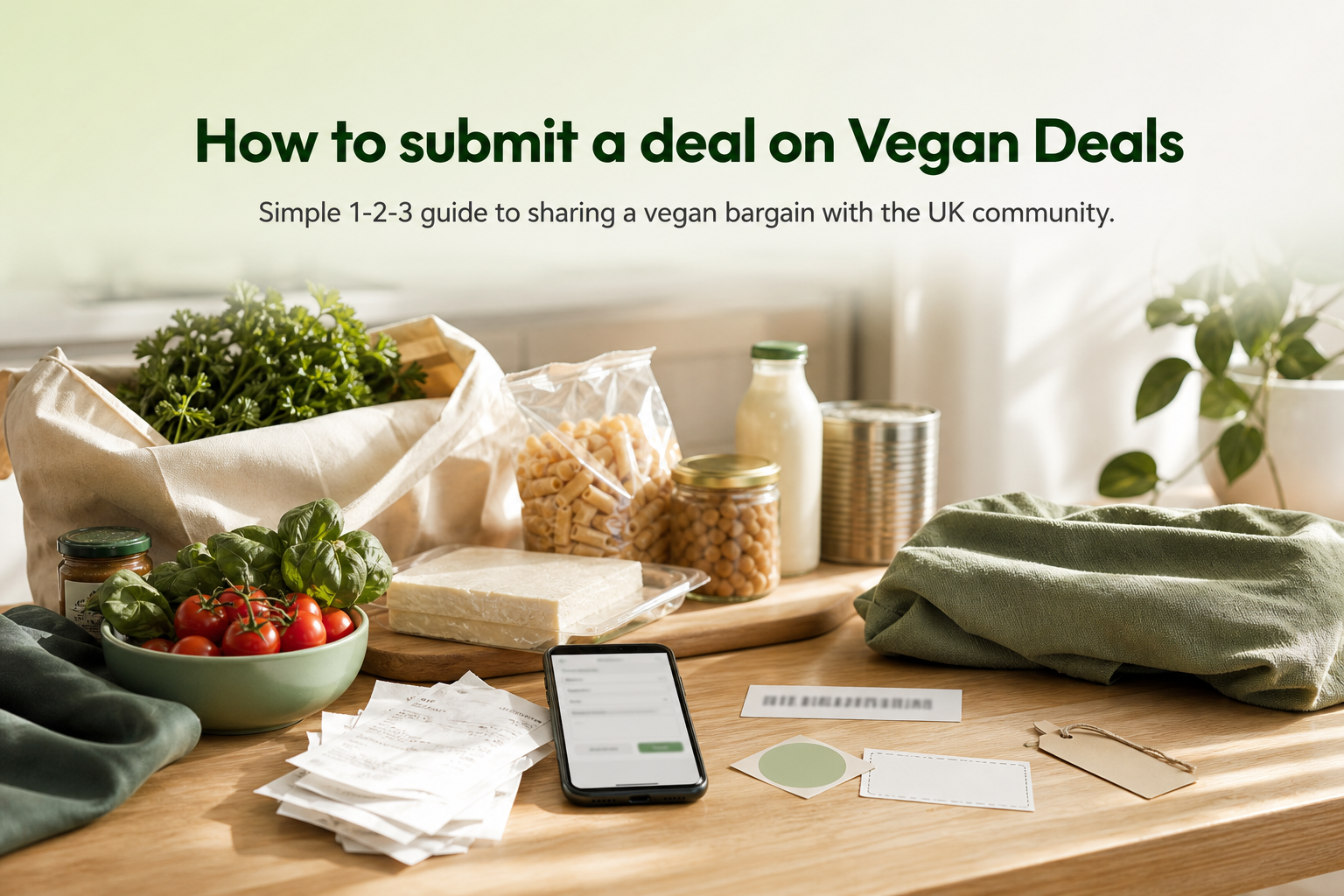
Spotted a brilliant plant-based bargain? Sharing it with the Vegan Deals community takes about five minutes. This guide walks you through every step, from gathering the right details to hitting submit, so your deal goes live without a hitch.
Open the form
Go to Submit a deal (you will need a free account).
Add the essentials
Descriptive title, deal URL, original and discounted prices, any code, short description, image, and tags — as set out in the deal guidelines.
Review and submit
Check the link still works and the price is live, then submit for approval.
Who this is for: anyone who wants to share a vegan discount, voucher code, or freebie with fellow UK shoppers. No technical knowledge needed.
What you'll need: the deal URL, the price (current and previous), and a free account at vegan-deals.co.uk.
What counts as a vegan deal on this platform
Before you type a single word, make sure the deal qualifies. Vegan Deals accepts:
- Product deals, a price reduction on a plant-based grocery, supplement, clothing item, gift, or cruelty-free beauty product
- Voucher/discount codes, an alphanumeric code that applies a % or £ saving at checkout
- Freebies, something genuinely free with no hidden costs (shipping included or clearly disclosed)
One important distinction: "vegan-friendly" is not the same as "vegan". If a product carries a certified vegan logo, states vegan on the label, or the brand explicitly confirms it, you're good. If it's just "suitable for vegans" without confirmation, flag that honestly in your description rather than presenting it as certified. The community relies on accuracy.
Deals get rejected when they're missing key details, contain expired codes, use broken links, rely on inflated RRP comparisons, or read as self-promotional spam. Deals submitted for the good of the community (as Hotukdeals' own publication rules put it) are the ones that get approved and voted up.
Gather these details before you open the form
Having everything ready before you start saves time and reduces errors. Run through this checklist:
- Direct product URL (the specific product or offer page, not a homepage or search result)
- Current sale price
- Previous / comparable price (use a realistic recent price, not an inflated RRP)
- Voucher code copied exactly, character for character
- Expiry date in DD/MM/YYYY format
- Confirmation the code works, test it in an incognito window at checkout before submitting
- UK eligibility confirmed (retailer ships to the UK; no surprise import fees)
- Category chosen: Food & Drink, Health & Beauty, Supplements, Clothing & Fashion, Gifts, or Alcohol
- One-line vegan credential (e.g., "Certified Vegan logo on packaging" or "brand-confirmed plant-based formula")
For supplements and beauty products especially, that vegan credential line makes a real difference, it lets community members vote with confidence. You can see how cruelty-free skincare and beauty deals are listed on the platform to get a feel for the standard.
Step-by-step: submitting your deal
Step 1, Sign in or create your free account
You need to be logged in to submit. Head to vegan-deals.co.uk/submit and sign in, or register for free in under a minute. (This is a standard requirement across deals platforms, Hotukdeals and Slickdeals both work the same way.)
Step 2, Click "Submit a Deal"
The button sits in the top navigation bar. Click it and the submission form opens.
Step 3, Choose your post type
Select either Deal or Voucher. A deal is a straight price reduction; a voucher requires a code to be entered at checkout. Pick the right one, it affects how the listing is displayed and how readers redeem it.
Step 4, Fill in the form fields
Work through each field carefully:
- Title, be specific: store name + product + saving. E.g., "Myvegan Clear Protein 40% off + extra 20% with code"
- Store / brand, select from the dropdown if available
- Product URL, paste the direct link you confirmed earlier
- Current price and previous price, include both so the percentage discount displays correctly (Vegan Deals shows current price, previous price and % off on every listing)
- Voucher code, paste the exact code; no guessing or variations
- Expiry date, use DD/MM/YYYY format; leave blank only if genuinely open-ended
- Category, choose the closest match from the six available
- Description, see the template section below
Step 5, Review and submit
Read everything back once. Check the URL loads, the code is correct, and the description covers how to redeem. Then submit. Your deal goes into the moderation queue and the team reviews it before it goes live.
Writing a description that gets approved and voted up
This is where most submissions fall short. A great description answers five questions in plain English:
- What is it?
- How much is it (and what's the saving)?
- Where do you get it?
- How do you redeem it?
- What makes it vegan?
For a voucher code, always include where the code is entered (basket or checkout page), any minimum spend, and whether it's new customers only. Skimlinks' guidance on coupon content puts it simply: "Be honest, be accurate and don't mislead people." That's the standard to aim for.
Keep your description factual. Avoid superlatives and referral-only links. The community can tell.
Copy-and-paste submission templates
Use these as a starting point and adapt them.
Template A, Price deal
[Store name] | [Product name] | [Current price] (was [previous price], [X]% off)

[Product name] is now [price] at [store]. [One sentence on what it is.]

Vegan credential: [e.g., Vegan Society certified / brand-confirmed plant-based].

Link: [direct product URL]
Template B, Voucher / discount code
[Store name] | [X]% off / £X off with code [CODE] | Expires [DD/MM/YYYY]

Use code [CODE] at checkout on [store name]'s website to take [X]% off [product/order].
Minimum spend: [£X or 'none']. Valid for: [all customers / new customers only].

Vegan credential: [one line].

Link: [direct product or offer page URL]
Template C, Freebie
FREE [product] from [store name]

[Product] is free with [condition, e.g., 'no purchase necessary' or 'with any order over £X'].
Delivery: [free / £X]. Available to: [UK customers / specific eligibility].

Vegan credential: [one line].

Link: [direct offer URL]
For plant-based supplements deals or food and drink offers, Template A works well for most price-drop submissions.
Common mistakes with voucher codes
Voucher submissions fail for predictable reasons. Avoid these:
- Submitting an expired code. Always test in a private/incognito browser session before submitting, this strips out any stored session data that might mask an expiry.
- Submitting a "guessed" code (e.g., VEGAN10 when there's no confirmed offer). Codes must match an official, verifiable promotion.
- Being vague about discount type. Specify whether it's £ off, % off, or free delivery, and whether it applies automatically at checkout or needs manual entry.
- Claiming UK eligibility without checking. If the retailer is based outside the UK, confirm they ship to mainland UK without import fees before you tick that box.
The ASA/CAP guidelines on online affiliate marketing (updated March 2023) are clear that promotional content on deals and voucher sites must be accurate and not mislead consumers, that applies to the descriptions you write too.
What happens after you submit
Your deal enters a moderation queue. The team checks it for accuracy, completeness, and adherence to the deal guidelines before publishing. This keeps the platform trustworthy for shoppers.
If your submission needs a fix, you'll typically be asked to: add a missing expiry date, correct the URL, clarify the title, add redemption steps, or remove any self-promotional content. Make the changes promptly and resubmit.
If it's rejected outright, read the reason carefully. Most rejections are fixable. You can review the community guidelines for context on what the platform prioritises, then resubmit with corrections.
Once live, community members vote on your deal. The more detail you include, the more confidence voters have, which means better visibility and more savings for fellow vegan shoppers.
Quick FAQ
Do I need an account to submit? Yes. Registration is free and takes about a minute at vegan-deals.co.uk.
Can I submit a deal for my own brand or store? Declare your affiliation in the description. Submissions exist for community benefit, not self-promotion. Undisclosed commercial submissions are likely to be rejected.
What if the deal expires, should I update or remove it? Update it as soon as possible. Expired deals frustrate shoppers and damage your credibility with the community.
Can I include multiple products in one post? Generally, one post per offer. If it's a sitewide sale, a single post covering the sale is fine, just be clear about what's included.
What if the product is only "vegan-friendly", not certified vegan? You can still submit it, but say exactly that. Don't claim a product is vegan if the brand hasn't confirmed it. Honesty keeps the community's trust intact.
How long does moderation take? This varies. Allow a few hours during busy periods. If your deal is time-sensitive, submit as early as possible and make sure everything is correct first time.
Related posts
What is vegan-deals.co.uk?
A UK community bringing vegan deals together like HotUKDeals but vegan-only.
·4 min read
What makes a good deal?
Clear savings, vegan eligibility, and helpful details for strong Vegan Deals submissions.
·7 min read
Vegan Deals vs HotUKDeals for supermarket offers
HotUKDeals for general bargains; Vegan Deals for plant-based only so you skip the noise.
·6 min read